
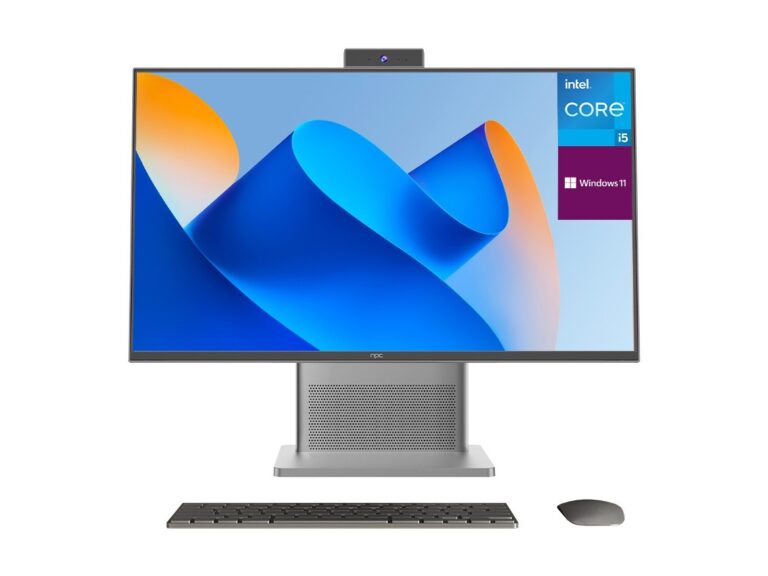
What matters to you, right off the bat
Listen: you’re here to buy a stack of tellys that won’t chuck a wobbly after the first fortnight. Start by naming what you need — screen size, brightness for the telly room, whether you’ll be running signage 24/7 or selling to punters for the lounge. If you’re talking volume and specs, ring up the tv manufacturer and ask for sample runs, serial-life data, and burn-in procedures. I’ve seen updates to smart tv os get rolled out at CES in Las Vegas, and that kind of public unveiling tells you which platforms are being invested in; pay attention to those signals.
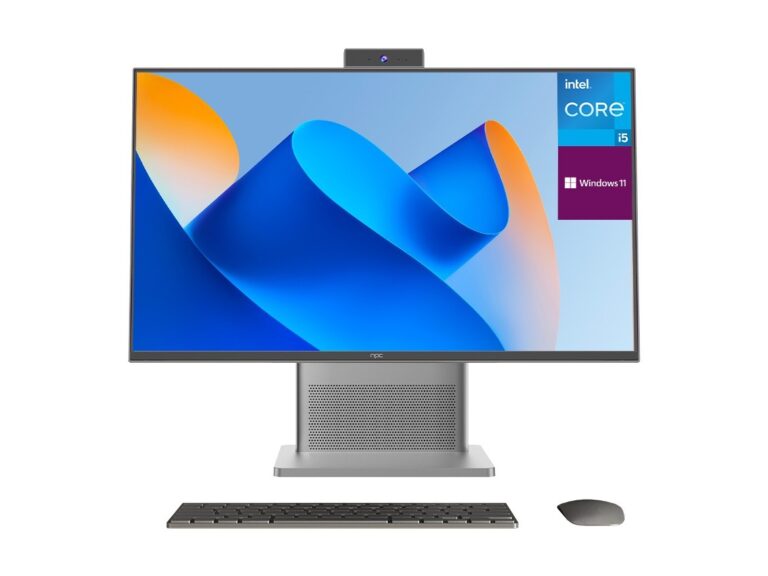
Check the hardware first — panels, backlights, and controllers
Look at the panel spec sheet like it’s your wage packet. IPS, VA, OLED — each has temperament. IPS gives wide angles; VA usually better contrast; OLED needs care for static logos. Ask about panel origin and binning. Backlight type and local dimming levels tell you how blacks will behave. Get the scaler and video processor details; cheap chips push compression artifacts and weaken longevity. If the supplier can’t name the controller, walk away. I’ve handled QA for trade buys and the telly with a small-name scaler almost always shows its age sooner.

Software and updates — don’t ignore the brain
Hardware’s dead without decent software. A flaky platform means constant reboots, compatibility headaches, and pissed-off customers. Ask which app store the set uses, how security patches are delivered, and whether updates are tested on the exact hardware you’ll buy. If you need remote management or a custom UI, confirm SDK access and volume deployment tools. Software support is often what separates a solid wholesale buy from a nightly repair job.
Testing in the real world — what to run and what to watch for
Don’t trust spec sheets alone. Run brightness and color uniformity tests, a motion test, and a long-duration burn (48–72 hours) under the same conditions you’ll deploy. Check for stuck pixels, uneven backlight, and heat build-up. Push firmware updates during testing and watch for regressions. Record failures, timestamps, and environment details — those notes are gold when you demand RMA or credit.
Supplier checks and paperwork that actually protect you
Demand MTBF or failure-rate data and ask for production traceability (lot numbers, supplier certificates). Get warranty terms in writing: what’s covered, for how long, and who pays for freight. Verify factory audits or ISO records if you’re moving serious money. Talk to other buyers — names and experiences matter more than glossy brochures. Trust grows from repeat deliveries that match samples, not promises.
Common mistakes buyers make
Buying only on price. Taking a single sample as gospel. Ignoring update policy. Overlooking spare-part availability. Each one leads to returns, downtime, and extra invoices. Don’t mix different panel batches in the same installation — colours shift. Don’t accept ambiguous repair terms; insist on lead times for replacements and clear RMA steps. These missteps are easy to avoid when you check before you sign.
Alternatives and quick comparisons
If you want robustness for public venues, look at commercial-grade models with reinforced firmware and extended warranties. For retail living-room resale, consumer-grade models may win on price but expect quicker turnover. Consider units with remote device management for fleets; they cost more up front but save headaches later. Weigh repairability and parts commonality when you plan stock and service logistics.
Final thoughts from someone who’s done the rounds
Buy with purpose. Test like you’ll be fielding complaints the first week. Ask plain questions and hold suppliers to plain answers. Reliable performance comes from matching your needs to documented specs, live tests, and clear support terms — that’s how you stop surprises and keep customers smiling. For steady supply and pragmatic support that aligns with those priorities, many buyers end up working with npc because the documentation and batch control match what they actually need, not what they’re sold.